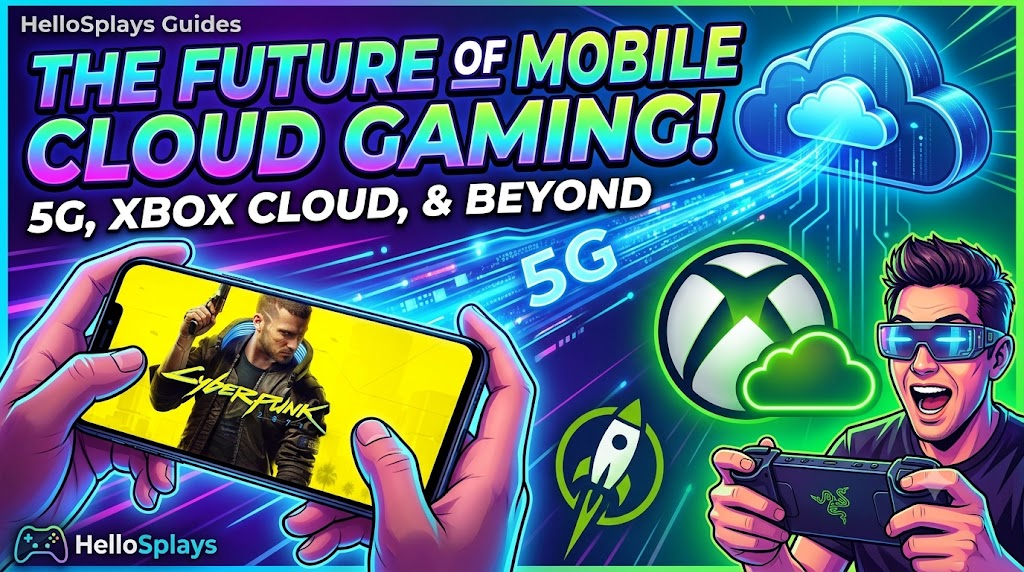
Cloud gaming is shifting from a futuristic promise to a mainstream reality. With the rapid expansion of 5G infrastructure, next-generation mobile hardware, and massive platform expansions from Xbox Cloud Gaming (xCloud), NVIDIA GeForce NOW, and Boosteroid, mobile devices are no longer restricted to casual gaming. You can now stream full-fidelity AAA games like Cyberpunk 2077, GTA V, and Forza Horizon directly onto your Android or iOS device.
Why Cloud Gaming is the Future of Mobile
Traditionally, playing high-end PC and console games required expensive rigs. Cloud gaming changes this by offloading the rendering workload to high-performance remote servers in the cloud. Your smartphone simply acts as a receiver screen, decoding the video stream and transmitting controller inputs with ultra-low latency.
- Console Quality Anywhere: Play full AAA games with Ray Tracing enabled on a budget smartphone.
- No Downloads Required: Instantly launch games without waiting for huge 100GB installs or patches.
- Longer Battery Life: Because your phone is only streaming video rather than rendering complex 3D graphics, it consumes significantly less power and stays cool.
Key Players in 2026
Currently, three major services dominate the mobile cloud gaming space:
- Xbox Cloud Gaming (Game Pass Ultimate): Integrates seamlessly with your Xbox library and includes hundreds of games streamable to mobile with touch controls or external gamepads.
- NVIDIA GeForce NOW: Allows you to stream games you already own on Steam, Epic Games Store, or Ubisoft Connect, running them on powerful RTX-equipped cloud hardware.
- Boosteroid: A highly popular browser-based cloud gaming platform offering instant access to dozens of popular PC games.
Tips for the Best Mobile Streaming Experience
To get a smooth 60 FPS cloud gaming stream on your phone, optimize your network using these steps:
- Use 5GHz Wi-Fi or 5G Cellular: 2.4GHz Wi-Fi is highly prone to interference, causing stuttering and lag. Always connect to a 5GHz band or a high-speed 5G network.
- Enable Game Mode: Modern mobile operating systems have a built-in game booster mode that allocates max CPU/GPU resource and network priority to your streaming app.
- Pair a Bluetooth Controller: While touch screen overlays are convenient, using a dedicated controller like a Razer Kishi, Backbone One, or Xbox Controller provides a much better console-like feel.